
Business cards for photographers
The business card they keep as long as the photos.
A digital business card for photographers that lives in Apple Wallet, next to their other cards.
Works with Apple Wallet.No app for your customers. Set up in five minutes.
Business cards for photographers, three ways.
Pick one in a minute. A studio card for the business, or a personal card with the face they met at the wedding. Every one of them is a real Apple Wallet card, exactly as the customer sees it.
- 9:41Wallet
 BookingsBook a shoot
 Phone0412 338 790StudioFremantle WAShare with a friend
Studio card
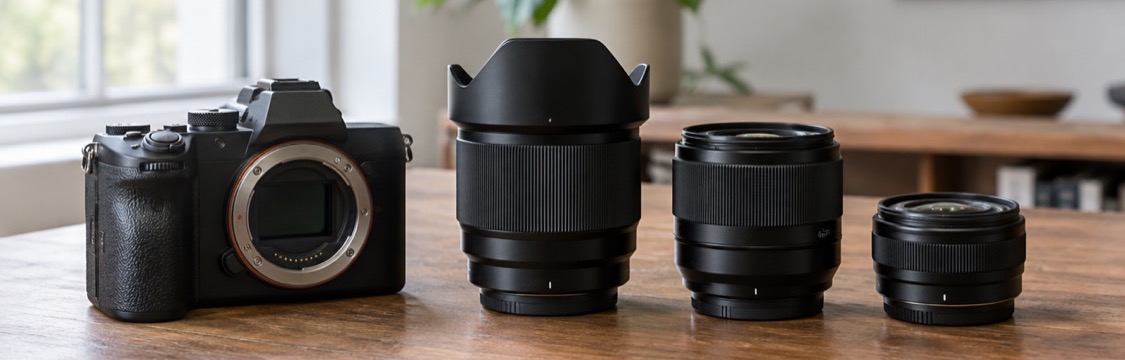
The studio on the front, the kit laid out across the banner, and a booking line in the corner.
- 9:41WalletView portfolio
 Ask forElsie MarrPhotographerWeddings, families, newborns
 Phone0433 517 266Based inNewcastle NSWShare with a friend
Personal card
The photographer they met, with her face beside her name. Wedding guests remember who was behind the camera.
- 9:41Wallet
 Stillwater PortraitsSessionsBook onlinePhone0455 902 118StudioHobart TASShare with a friend
Colour studio card
The same card in colour with a drawn banner, for a studio whose name does the talking.
Better than a box of 500 cards in the camera bag.
Business cards for photographers used to mean a print run, a handful left on every reception table, and a reprint when the website or your number changed. This is what changes when yours lives on their phone.
A paper business card
- Costs you a print run, and another when your website or number changes
- Ends up at the bottom of a handbag, a drawer or the bin
- No follow-up. No gallery link, no thank you, no review request
- No way to know which guest kept it or who booked because of it
A photographer's business card in Apple Wallet
- One card, updated from your phone, never reprinted
- Portfolio, Instagram and booking link in a tap
- Sits in Wallet beside their bank cards, where they look every day
- Follows up with your review link while the photos are still being shared
Automations
Two messages, written for photographers.
You switch them on, you can change every word, and nobody gets more than two. They land on the lock screen and sit on the back of the card.
How it works
Three steps. The first one is yours.
Build it once on your phone. Customers do the second step. The third takes care of itself.
Step 1: Build your card
Your name, trade, logo, one colour, phone, booking link and Google review link. Five minutes on your phone.
Step 2: Customers scan and save it
A code on your van, invoice or counter, a link in a text, or a button on your website. One tap adds it to their Wallet.
Step 3: You stay on their phone
Your thank you goes out the next day and a reminder a month on, without you lifting a finger. When they need you again, you're one tap away.


Why photographers
Built for how photographers work.
Most of your bookings come from people who saw your work at someone else's wedding. The card keeps that work one tap away.
Portfolio on the back
Your gallery, Instagram and website, a tap from the card they already have.
Book or call in a tap
Buttons on the back of the card for your calendar and your phone.
The next shoot comes back
A reminder a year on: the anniversary, the new baby, the family photo before Christmas.
Reviews while the photos are fresh
A thank you when the gallery goes out, with your Google review link.
Change your details once
New studio, new number, new prices. Every card already on a phone updates on its own.
Hand it to every guest
A code on the table cards, your website or a text. They scan, press Add, done.
Simple pricing.
One card or the whole kit. Try either free first.
14 days free on either plan. No credit card to start.
Card
Your card, in their Wallet.
$4.99AUD a month
After 14 days free. Cancel any time.
- One card, in Apple Wallet and Google Wallet
- Unlimited customers can save it
- QR code, link and your own card page
- Change a detail and every saved card updates
- See saves, and taps to book, call or review
Pro
Most usefulEverything in Card, on autopilot.
$9.99AUD a month
After 14 days free. Cancel any time.
- Everything in Card
- Automatic follow-ups: a thank you the next day, a reminder a month on
- Send an update to every phone that has your card, as a lock screen notification
- Save-our-card button for your website
- More than one card: company and personal, each with its own code
- Numbers for each card
Questions from photographers.
Business cards for photographers, on your customers' phones today.
Five minutes to set up. Free to try. Nothing to print.
Also made for
- Electrician business cards
- Real estate agent business cards
- Construction business cards
- Handyman business cards
- Lawn care business cards
- Cleaning business cards
- Business cards for lawyers
- Business cards for travel agents
- Digital business cards for financial advisors
- Landscaping business cards
- Artist business cards
- Retail store business cards
- Car detailing business cards
- DJ business cards
- Digital business cards for field sales