
What is a digital business card? (a plain explanation for a trade business)
A digital business card is your contact details in a form a phone can keep: a link page, a contact file or a Wallet card. Here is how each one works.
Published 24 October 2026 · 7 min read
Want your own card in your customers’ Wallets?Build one for free
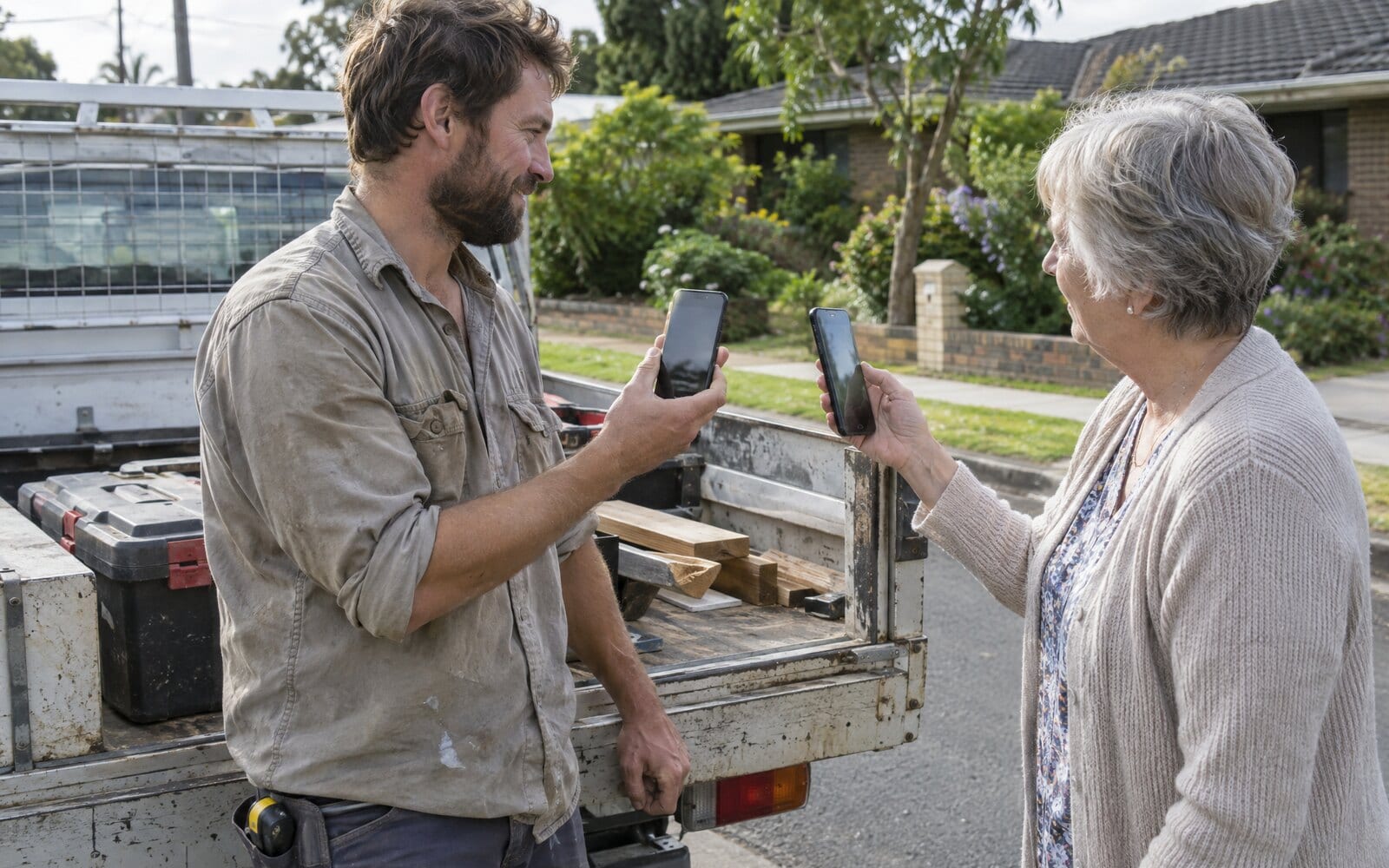
A digital business card is your name, trade, phone number and links in a form a phone can keep, in place of a printed card. The customer gets it by scanning a QR code, tapping a link or tapping a phone, and nothing has to be printed or handed over by hand.
There are three kinds, and they work very differently once the customer walks away. A link page is a small web page the customer has to find again. A contact file is a copy of your details saved into their Contacts. A Wallet card is a pass that sits in Apple Wallet or Google Wallet, stays linked to your business and updates itself when your details change. For a trade or local service business, the Wallet card is the kind that is still on the phone, and still right, when the next job comes up.
How a digital business card works
Every digital business card works the same way at the start. You put your details into a service or your phone, and you get a QR code and a link. The customer scans the code with their phone camera, or taps the link in a text or email, and your card opens on their phone.
What happens next depends on the kind. A link page opens in the browser and stays there. A contact file offers to add you to Contacts. A Wallet card shows an Add to Apple Wallet or Save to Google Wallet button, and one tap puts it beside their bank cards.
Some products also sell a plastic card with a chip in it, so a tap on the customer's phone opens the link. That is a way of handing the card over, not a fourth kind: the tap still lands on one of the three.
What a paper business card does after the job
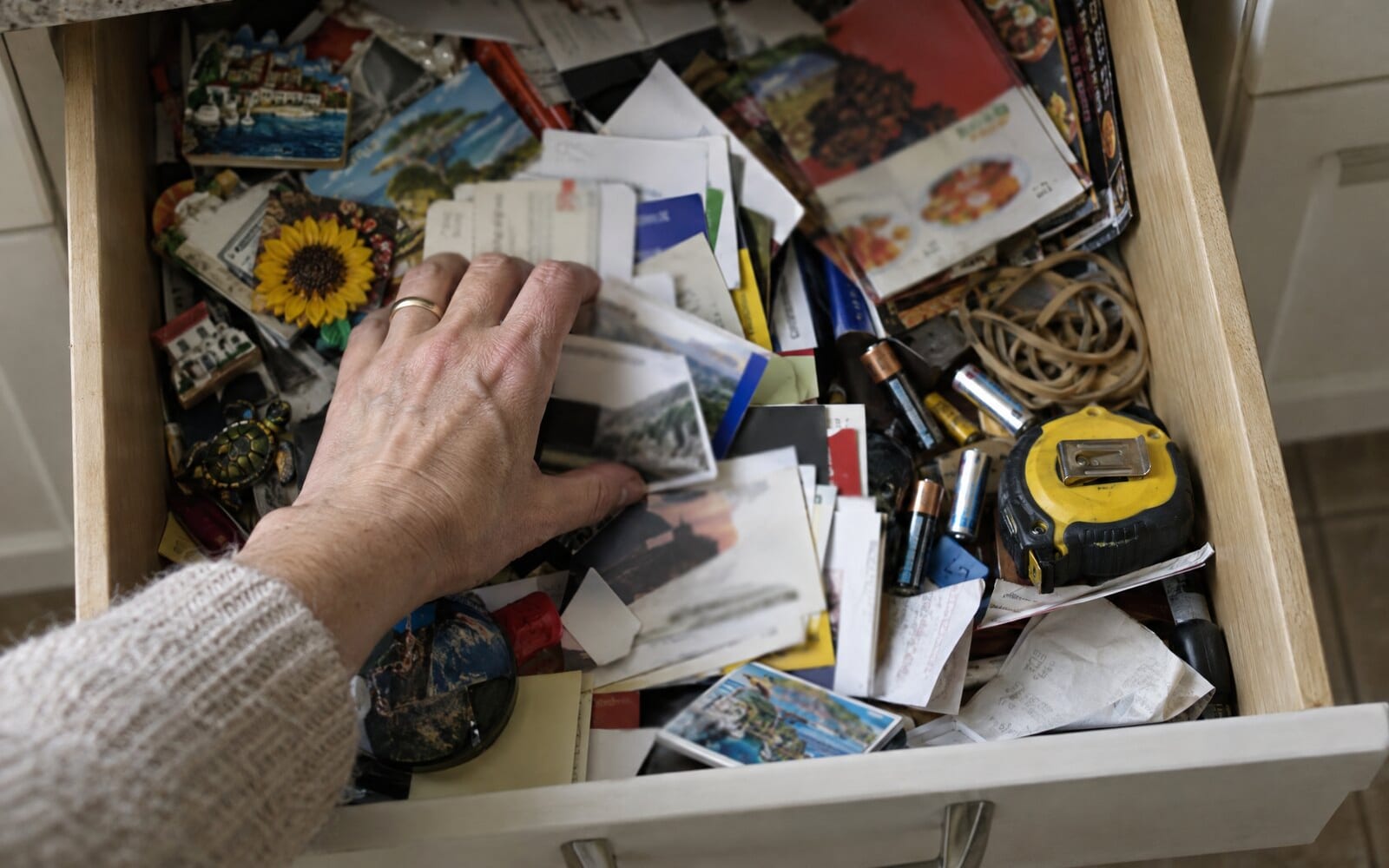
It helps to start with the card a digital one replaces. A paper card goes into a pocket, then a drawer, a glovebox or the bin. When the gutters fill up again months later, the customer has to remember your name, find the card and hope your number has not changed.
A digital business card is meant to fix that, and the three kinds fix it to different degrees.
The link page
A link page is a web page with your photo, details and buttons, made with a page builder. Many digital business card apps make this kind. It looks good on a phone, and you can change it whenever you like.
The weakness is that nothing stays on the customer's phone. Unless they bookmark the page, finding it again means searching their texts or scanning your code again. A link page is a website, and customers do not keep websites.
The contact file
A contact file, also called a vCard, is the file a phone uses to add someone to Contacts. You can send one from your own phone in a minute, by opening your contact and tapping Share.
A contact file does stay on the phone, but only as a copy. Once the customer saves it, you cannot change it, so a new number or a new booking link never reaches them. It has no buttons for booking or reviews, and it sits among hundreds of other names. The guide on whether you can put a business card in Apple Wallet explains why a contact will not go into Wallet either.
The Wallet card
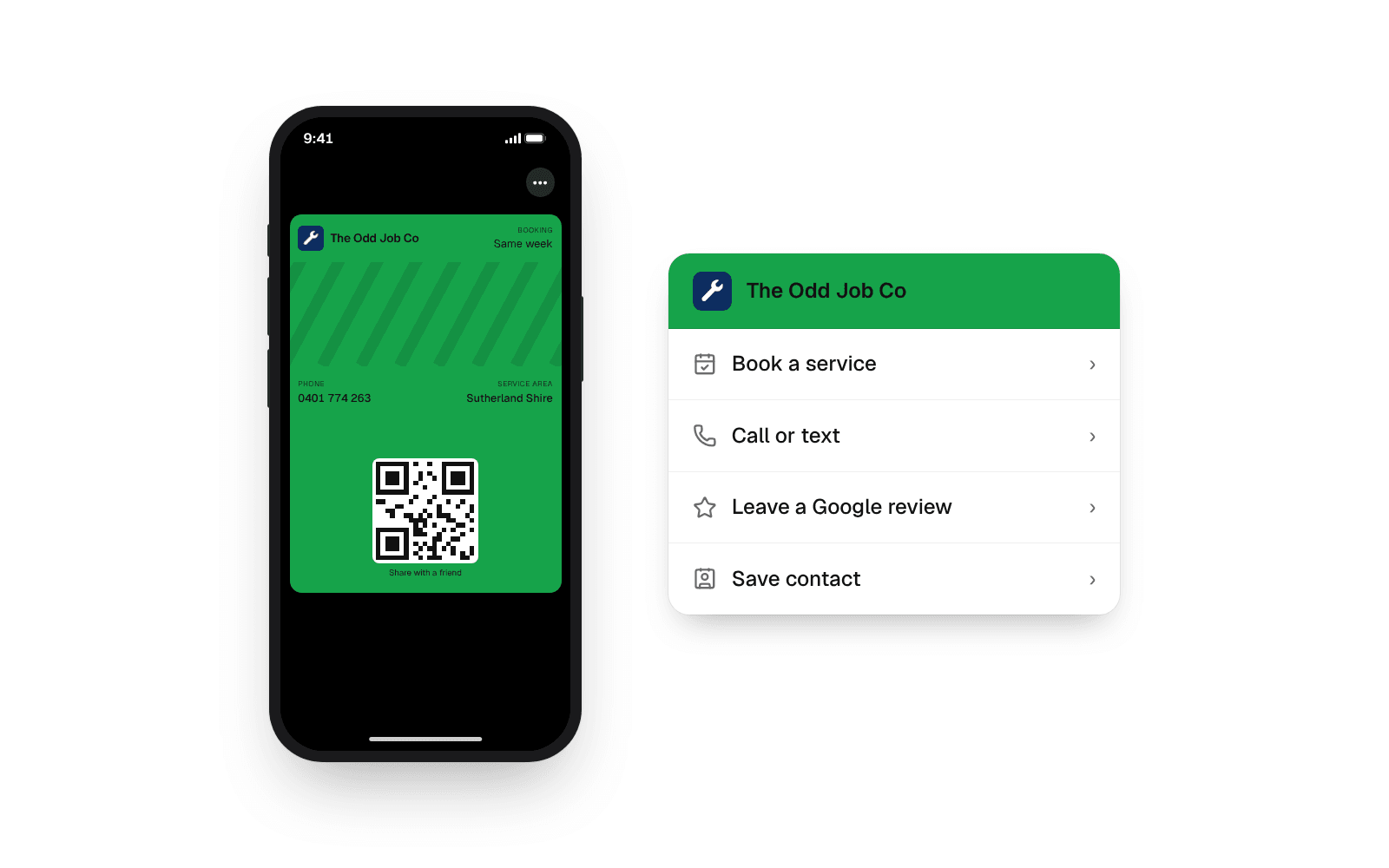
A Wallet card is a pass, the same kind of file as a boarding pass or a loyalty card. Apple and Google only accept passes signed by a registered service, which is why a Wallet card comes from a service such as echocard rather than from your phone's settings.
The front shows your logo, your colour, your phone number and a couple of short lines, such as the jobs you do and the area you cover. The back holds the buttons: call, book a job, leave a Google review, visit your website. An iPhone keeps it in Apple Wallet and an Android phone keeps it in Google Wallet, and the same QR code serves both.
Two things set a Wallet card apart from the other two kinds:
- It stays linked to your business. When you change your number or your hours, every saved copy updates on its own. The help article on what happens when you change your card explains how.
- It can send a message to the lock screen. A pass can show a short note with your logo, such as a thank-you the day after the job. A contact or a link page never can. With echocard, those messages are part of the Pro plan; the Free plan is the card itself.
Which kind a trade business should use
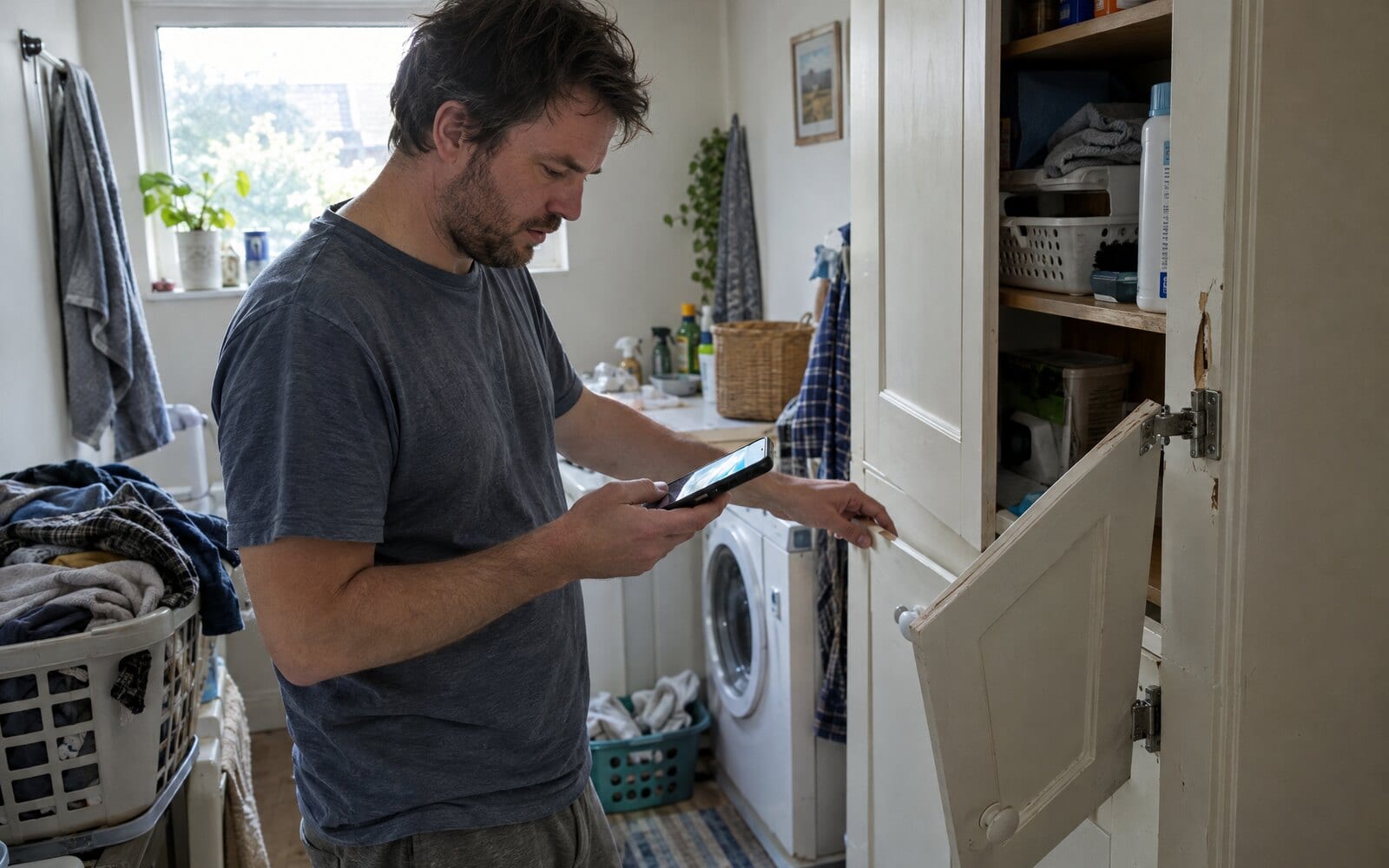
A local service business lives on the same customers calling back. The cupboard door drops, the tap drips, the lawn needs doing again, and the customer reaches for their phone. The question is whether your card is there when they do.
The Wallet card is the one that is. It sits in an app the customer opens most days, it is right because it updates itself, and the Call button is one tap away. A link page has to be found again, and a contact file may carry an old number. The guide on how to make a digital business card walks through making each kind, and how long each one takes.
Frequently asked questions
What is a digital business card?
A digital business card is a business card a phone can keep instead of a printed one. It comes in three kinds: a link page, a contact file (vCard) or a Wallet card that sits in Apple Wallet or Google Wallet. The customer gets it by scanning a QR code or tapping a link.
How does a digital business card work?
The business shares a QR code or a link. The customer scans the code with their camera or taps the link, and the card opens on their phone. Depending on the kind, it opens as a web page, offers to save to Contacts, or offers to add a pass to the phone's Wallet.
Is a digital business card the same as a vCard?
No. A vCard is one kind of digital business card: a contact file that saves your details into the customer's Contacts as a copy. A Wallet card and a link page are the other two kinds, and a Wallet card is the only one of the three that updates itself on the customer's phone.
Do customers need an app to save a digital business card?
No. A link page opens in the phone's browser, a contact file goes into Contacts, and a Wallet card goes into Apple Wallet or Google Wallet, which are already on the phone. Nothing has to be downloaded.
Can a digital business card replace paper cards?
For most trade businesses, yes. A QR code on the van, the quote and the invoice does the job a stack of paper cards used to do, and it never runs out. Some owners keep a few paper cards with the code printed on them for customers who ask.
The short version
A digital business card is your details in a form a phone can keep. A link page has to be found again, a contact file is a copy that goes out of date, and a Wallet card sits beside the customer's bank cards and updates itself. See how one looks for handymen, or start for free and make yours in five minutes.